|
|
Save
Our Native Species Inc. |
|||||||||||||
|
WALNUT CREEK ACCESS AREA WEB CAM |
|||||||||||||
|
|
||||||||||||||
|
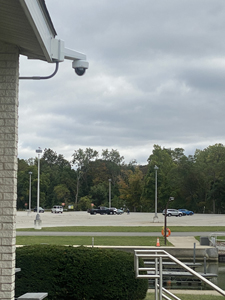
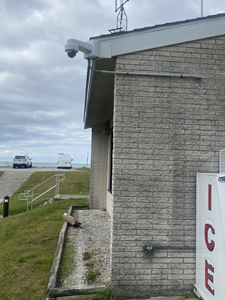
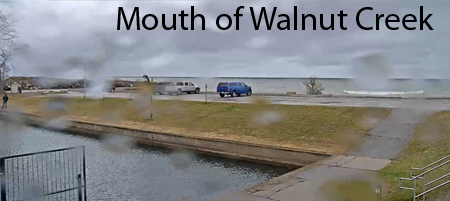
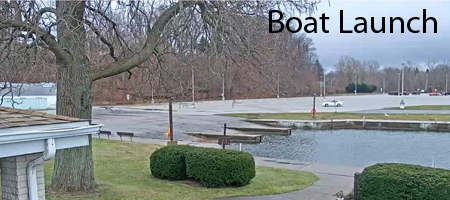
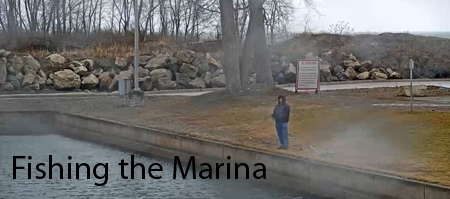
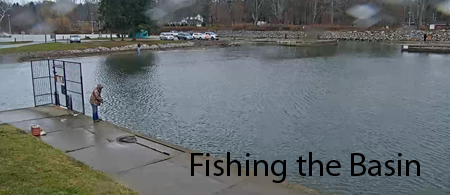
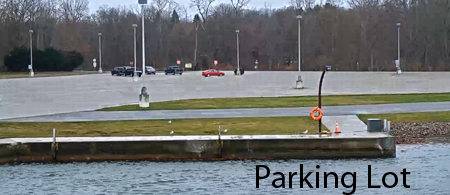
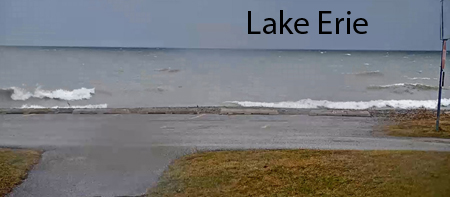
Thanks to a grant obtained from the PA Fish and
Boat Commission through the Lake Erie Access fund and a whole lot of
technical assistance from the IT team and management from Fish USA we were
able to install a public accessible web cam at the Fish Commission's Walnut
Creek Access area.. We hope to offer anglers and boaters a real time look at
the fishing activity, weather and Lake Erie conditions at one of the finest
fishing areas on the Great Lakes. We anticipate that this web camera will
receive thousands of visitors especially during prime fishing seasons. FishUSA has established the web camera page on their web server free of charge provide technical assistance and maintenance and share the line costs..
|
||||||||||||||
  |
 |
|||||||||||||
 |
 |
|||||||||||||
 |
 |
|||||||||||||
|
|
 |
|||||||||||||
| TROUT RUN-AVONIA BEACH WEB CAM | ||||||||||||||
|
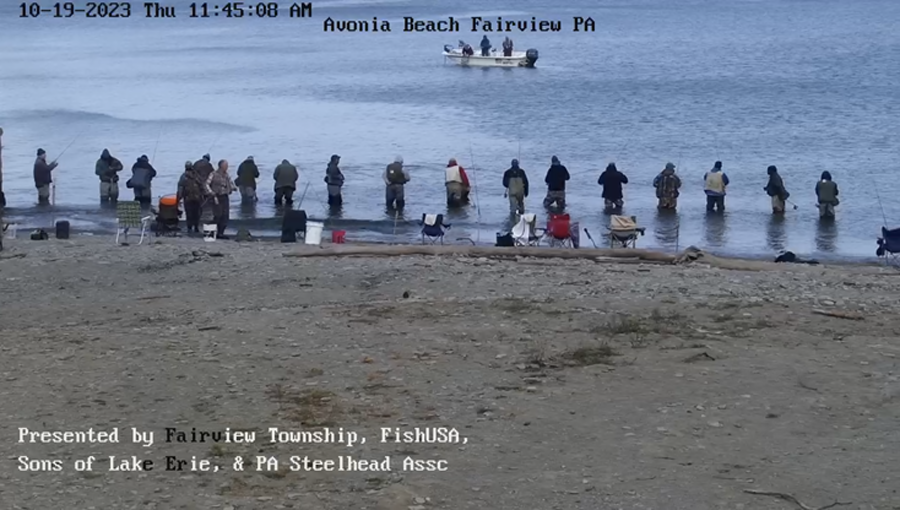
In 2020 the SONS of Lake Erie entered into a partnership with Fairview ,PA township, Fish USA and the PA Steelhead Association purchased and installed a live stream web cam at the Avonia Beach area located at the mouth of Trout Run at Lake Erie. The successful partnership has made it possible for fishermen, boaters and the general public alike to view Lake Erie conditions as well as Steelhead activity at Trout Run. Since its installation there has been hundreds of thousand of visitors on line to the web site. The web site is housed on the FishUSA server and is maintained and monitored by thier IT team. The line costs for the camera is shared equally by the 4 partners. |
||||||||||||||
 |
 |
 |
 |
|||||||||||
| CLICK HERE FOR THE TROUT RUN-AVONIA BEACH WEB CAM | ||||||||||||||
 |
||||||||||||||